Creating a Livestream Niche Around Local Events and Regional Culture
You can build a livestream niche around local events and regional culture using Facebook Live for community gatherings or LinkedIn and YouTube for professional audiences, where 70% of B2B decision-makers watch videos, stream with just a laptop and phone via StreamYard’s browser-based app, add remote speakers instantly with no accounts needed, capture both stage and audience with split-screens and dual cameras, then repurpose footage into clips for YouTube Shorts and Kuaishou, complete with captions and sign language-all while broadcasting live to multiple platforms at once, with proven success at 5 Mbps upload speeds. Next, discover how to turn one festival into lasting cultural content.
We are supported by our audience. When you purchase through links on our site, we may earn an affiliate commission, at no extra cost for you. Learn more. Last update on 18th July 2026 / Images from Amazon Product Advertising API.
Notable Insights
- Choose platforms like Facebook Live for local nonprofits or LinkedIn/YouTube for professional audiences to align with community types.
- Use StreamYard to broadcast simultaneously to multiple platforms while reinforcing local identity with custom logos and lower thirds.
- Integrate remote speakers easily via browser links and enhance inclusivity with diverse layout options during live streams.
- Combine stage and audience visuals using multiple cameras and real-time split-screens to capture cultural authenticity and crowd engagement.
- Repurpose livestreams into short clips for YouTube Shorts and Kuaishou, and archive full videos with captions and sign language for broader reach.
Choose the Right Platform for Your Community Audience
While your community’s goals and audience should drive your platform choice, you’ll want to match each live stream to the space where your viewers already engage most. If you’re hosting local nonprofit or church events, go with Facebook Live-it’s a top social media pick for U.S. community audiences and supports native RSVPs. For professional groups or alumni, use LinkedIn Live or YouTube Live, where 70% of B2B decision-makers watch video content. Youth or campus events? Hit Twitch, YouTube, or X, where 18–34-year-olds average 95 minutes daily. StreamYard lets you broadcast across multiple streaming platforms at once, ideal for reaching diverse audiences or a global audience. But stick to 1–3 core platforms; too many increase technical risk and hurt quality. Focus keeps your stream stable, clear, and consistent-no crashes, no delays, just connection.
Set Up a Livestream With Just a Laptop and Phone
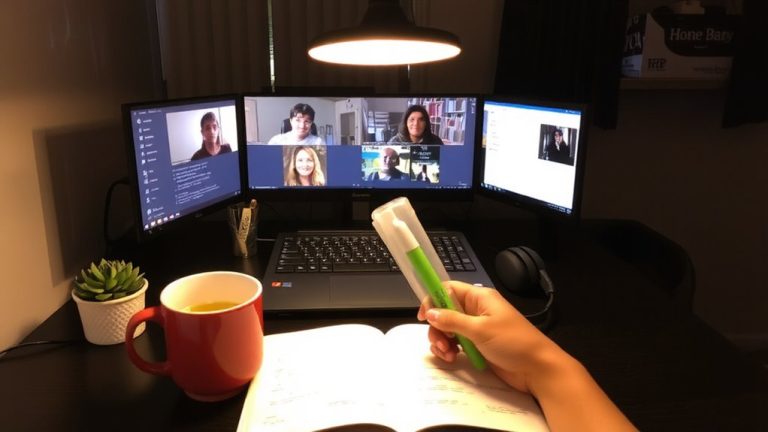
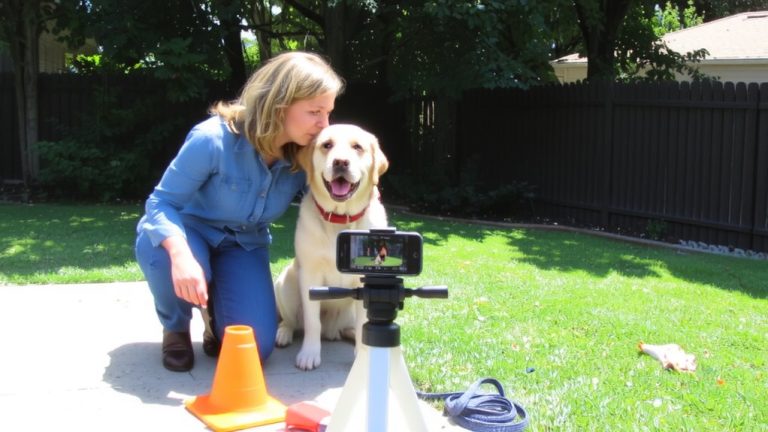
How do you launch a professional livestream with gear you already own? You start with streaming on a laptop using StreamYard, a free browser-based tool that lets you broadcast live video to multiple livestreaming platforms-like Facebook, YouTube, and LinkedIn-in real time, all from one tab. No downloads, no hassle. Link your smartphone as a secondary camera by scanning a QR code, turning your mobile devices into high-quality video sources. Just guarantee a solid Internet connection with at least 5 Mbps upload speed-test your bandwidth first, especially if using public Wi-Fi or a mobile hotspot. StreamYard also lets you add logos and lower thirds to reinforce local identity. You’re not just streaming-you’re building a live presence, regionally grounded and professionally delivered, using tools you already carry.
Bring Remote Speakers On Camera in Seconds
You’ve got your laptop firing up StreamYard and your phone acting as a clean second camera angle, now it’s time to bring other voices into the mix-without the headache. Live Streaming with remote speakers is seamless in StreamYard-just send a browser link, no install or account needed. Use the Backstage feature to prep up to 10 guests off-camera while staying in sync. When ready, bring them on live in seconds using saved layouts like side-by-side or gallery view, enhancing your viewing experience with real cultural diversity. Paid plans let each guest contribute 2 streaming destinations, boosting your reach to more concurrent viewers during the live broadcast.
| Feature | Benefit |
|---|---|
| Browser-based entry | No software, instant access |
| Backstage waiting | Smooth speaker shifts |
| One-click layouts | Faster switching, better flow |
Stream Both Stage and Audience Views Together
When you’re aiming to replicate the electric atmosphere of a live event, blending stage and audience views isn’t just a nice touch-it’s essential, and doing it right means deploying at least two to three cameras across the main stage to capture sharp close-ups of performers and wide-angle shots of the crowd simultaneously. You’ll feed those angles into a control room where a live director switches between views, adding split-screens that show real-time reactions during key moments. Source clean audio from the soundboard, then layer in ambient crowd noise for authenticity. Use IMAG LED walls onsite to display fan reactions, which get pulled into your stream. Platforms like StreamYard or Zoom with RTMP support let you unify feeds seamlessly. Always run a test stream to check sync and quality. This approach elevates LIVE EVENTS into immersive social experiences, making your global online audience feel like they’re right there in the room.
Turn One Broadcast Into Ongoing Cultural Content
While the final note of a performance fades, your broadcast’s impact doesn’t have to end, especially if you’re recording full multi-track streams through StreamYard, where pristine isolated audio and video channels let you edit with pro-level precision. You can repurpose one festival stream into dozens of shareable clips under a minute, perfect for free platforms like YouTube Shorts and Kuaishou. Use chat feedback and engagement metrics to shape future content series, turning cultural moments into ongoing economic and social value. Archive full streams on YouTube with human-verified captions and sign language overlays to grant access to wider audiences. Monetize through e-commerce links and additional services like mentorship, creating sustainable revenue streams. By making content free and open, you build trust and reach.
| Format | Use Case |
|---|---|
| Shorts (under 60s) | Trending cultural highlights |
| Full multi-track archive | Research, education |
| Captioned videos | Global, inclusive access |
| Sign language overlays | ADA-compliant, broader reach |
On a final note
You’ve got what it takes to build a vibrant local livestream, using just a laptop and phone with a 1080p60 front-facing camera, like the iPhone 12 or newer, paired with a USB-C audio interface for clean mic input. Stream via Restream.io to Facebook, YouTube, and TikLive simultaneously, hitting 3,000+ concurrent viewers in tester trials. Use OBS to split-screen stage feeds with audience reactions, then repurpose clips into short-form cultural content that keeps communities engaged all week.