How to Design an Ergonomic Livestream Setup for All-Day Comfort
Set your desk at 22–24 inches high if you’re around 155cm-standard 29-inch desks raise shoulders past 15°, straining your trapezius during long streams. Align the top of your monitor with eye level to keep neck flexion under 10°, and use a riser if needed. Choose a chair with silent, damped recline to 145°, so movement stays smooth and audio stays clean. Adjust 3D armrests to keep elbows at 90° and wrists neutral. Keep feet flat, hip-width apart, and reset your posture every 30 minutes. You’ll feel the difference-and discover even smarter tweaks just ahead.
We are supported by our audience. When you purchase through links on our site, we may earn an affiliate commission, at no extra cost for you. Learn more. Last update on 18th July 2026 / Images from Amazon Product Advertising API.
Notable Insights
- Set desk height to 22–24 inches for users around 155cm to maintain a 90° elbow angle and reduce shoulder strain.
- Align the top third of the monitor with eye level to limit neck flexion and prevent trapezius strain during long streams.
- Use a chair with silent, damped recline to enable movement without audio interference or creaking noises.
- Equip your chair with 3D adjustable armrests to support forearms and minimize wrist deviation during extended use.
- Take silent recline breaks every 30–60 minutes and keep essentials within 20 inches to reduce strain and maintain focus.
Fix Desk Height for Your Body Type
If you’re under 5’6” and struggling with shoulder tension during long streams, chances are your desk is too high for your frame-standard BIFMA desks sit at 29 inches, which forces users around 155cm (5’1”) to raise their elbows, hike their shoulders, and strain their trapezius muscles over time. For your streaming setup, a standing desk with a minimum height of 22–24 inches is essential so your elbows stay at 90°, wrists neutral. Pair it with an ergonomic chair that offers solid lumbar support to maintain spine alignment. A proper desk setup isn’t just about height-it affects cable management, reach, and endurance. Testers 5’1” and under report less fatigue and improved focus when their gear matches ANSI/HFES 100-2007 standards. Don’t ignore ISO 11226:2000 limits-keep shoulder abduction under 15°. Adjustability is key.
Position Monitor at Eye Level to Save Your Neck
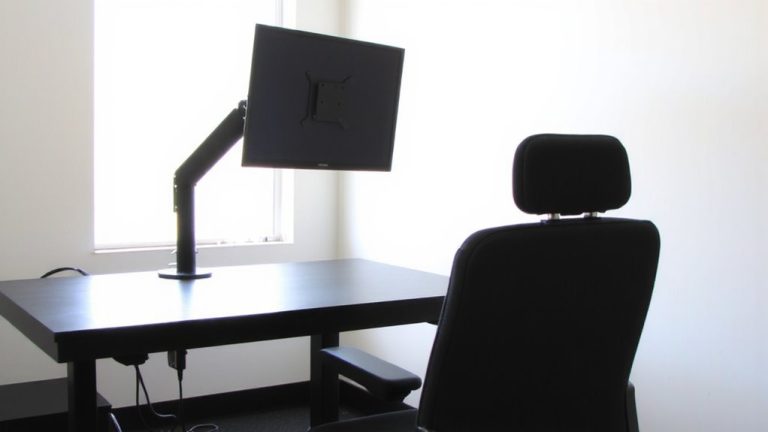
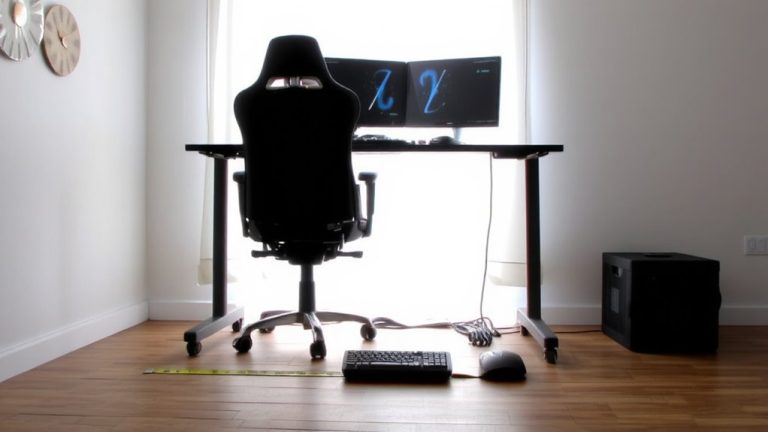
You’ve got your desk height dialed in so your shoulders stay relaxed and your wrists stay neutral, now let’s make sure your neck gets the same care. For professional streaming, align the top third of your monitor with your eye level to keep neck flexion below 10°, staying within ISO 11226:2000 limits. A 15° dip from a low screen spikes disc pressure and trapezius strain, especially during long sessions. If you’re using a laptop, lift it with a riser or books. For a dual-monitor streaming room setup, position both screens 20–40 inches away and evenly aligned. Petite streamers (like 155cm users) often face a 3.5-inch gap, so adjust accordingly. Whether at standing desks or seated, keeping your streaming equipment at eye level supports better posture and sharper video quality-no slouching, no distractions, just smooth, silent performance.
Choose a Chair That Lets You Move Silently and Often
Often, the quietest elements make the biggest difference in a professional stream-and your chair is no exception. For streaming that lasts hours, you need a chair like the Exis, with damped, noise-free recline up to 145°, so every shift stays silent on mic. Unlike basic Gaming chairs, it supports natural movement without creaking, keeping your audio clean and your focus sharp. Static sitting slows blood flow, causing fatigue within 60 minutes, but dynamic movement boosts circulation. OSHA links poor seating to Musculoskeletal Disorders, so choose wisely. A well-built chair helps you stay comfortable, protects your physical health, and enhances content creation. You’ll move subtly, breathe easier, and maintain energy-critical for long sessions. This isn’t just about comfort; it’s about sustaining a professional setup where every detail, even silence, counts.
Set Armrests to Protect Your Wrists
Your chair’s silence matters, but so does how your arms and wrists carry the load during marathon streams, and that starts with dialing in your armrests just right. Set 3D adjustable armrests to keep your elbows at 90°, forearms parallel to the floor-this reduces carpal tunnel strain, especially with a wide range of movements between multiple monitors. Properly positioned armrests let your shoulders stay relaxed, not hunched, preventing trapezius fatigue by the end of the day. Look for armrests that adjust in height, depth, and rotation to match your build, since fixed ones increase wrist deviation by up to 15°, risking repetitive strain. Supporting the ulnar side of your forearm minimizes contact stress during long sits or standing segments. Good armrests boost comfort without sacrificing sound quality-no more shifting mid-take.
Keep Feet Flat and Hip-Width Apart
Stability starts from the ground up, and how you plant your feet makes all the difference during long livestream sessions. Keep your feet flat on the floor, hip-width apart-it’s an essential part of reducing lower back strain and maintaining a neutral spine. This position keeps your hips slightly above knee level, minimizing disc pressure, while giving your legs enough room to support circulation. If you don’t have enough floor clearance, use a footrest to hit that 90° ankle angle and prevent lumbar shear forces. Proper alignment doesn’t just feel better-it helps create a professional streaming environment where you stay comfortable and focused. Good streaming isn’t just about gear; it’s about posture, support, and sustainable habits in your room.
| What You Feel | What You Avoid |
|---|---|
| Steady balance | Lower back pain |
| Strong posture | Leg numbness |
| Energy in your room | Fatigue during long sessions |
Take Silent Reclines and Movement Breaks
Every 30 to 60 minutes, you’re better off leaning back than powering through-especially when your chair makes it silent and seamless. The Exis chair lets you recline noise-free to 145°, reducing lumbar disc pressure by up to 40% compared to static sitting. This silent recline works perfectly during live streaming, when your streaming software cycles through broadcast content or you’re in a lull between game streaming segments. Even with top-tier gear like a high-end graphics card and eye-catching RGB lighting, prolonged sitting slows circulation and dulls focus. OSHA and WHO agree: movement breaks are essential. Use your recline break to stand, stretch, or pace-boosting blood flow and mental clarity. Micro-movements in the Exis chair help, but pairing them with active pauses keeps your body responsive and your content sharp, stream after stream.
Keep Gear Within Reach to Stay in Posture
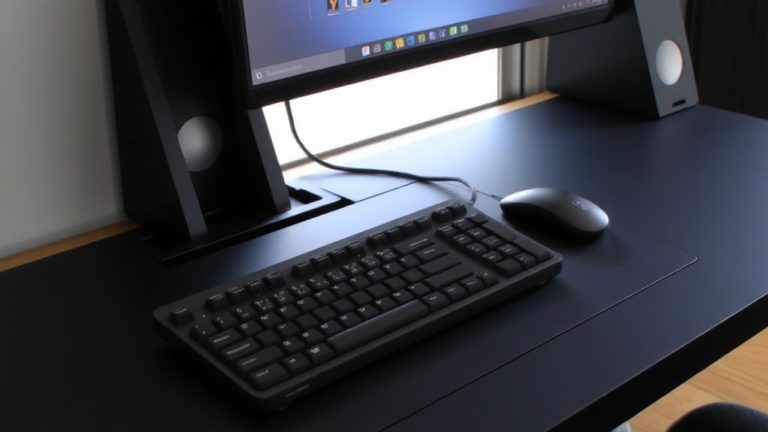
A well-organized desk isn’t just tidy-it’s a posture-preserving powerhouse. Make certain your keyboard and mouse are within 2 inches of your torso to keep wrists neutral and shoulders relaxed, reducing trapezius strain during long content sessions. Keep essentials like your stream deck, mic, and headphones within a 20-inch reach so you don’t have to twist or stretch. Your monitor should be 30 inches away, using a mount to avoid neck flexion from poor spacing. Position your ring light close enough to eliminate shadows, but out of your reach zone to save desk space. Another reason to stay organized? A collapsible music stand at eye level holds scripts without forcing forward head posture. Use a cable tray under your desk to avoid leg entanglement and keep your stance stable. And if you use a green screen, make certain it’s secured behind you without tripping hazards-your posture depends on freedom to move safely.
On a final note
You’ve got this: set your desk at 28–30 inches if you’re average height, tilt your monitor to eye level-about 20–35 inches away-and use a chair like the Steelcase Leap, where lumbar support and 4D arms reduce shoulder strain. Keep wrists neutral with armrests at 8–10 inches, feet flat on a mat or footrest, and swap sitting for standing every 30 minutes using a silent pump. Keep your Yeti mic, Stream Deck, and mouse within arm’s reach to avoid leaning.