Choosing Matte Finishes Over Glossy for All Visible Surfaces On-Camera
You avoid glare and boost contrast by choosing matte finishes for all on-camera surfaces, from rigs to backdrops. Matte materials scatter light instead of reflecting it, cutting reflections by up to 90% and preventing hotspots under studio lights. They work with softboxes at 45°, need 0.5–1 stop more light, and perform best with 170–200 g/m² coatings. Testers confirm cleaner exposures, fewer reshoots, and seamless performance under LED and halogen arrays-the pros know how far this detail goes.
We are supported by our audience. When you purchase through links on our site, we may earn an affiliate commission, at no extra cost for you. Learn more. Last update on 18th July 2026 / Images from Amazon Product Advertising API.
Notable Insights
- Matte finishes prevent intense glare by scattering light, avoiding specular reflections that overwhelm camera sensors.
- They reduce on-screen hotspots and washed-out details, especially under studio lighting and shallow angles.
- Matte surfaces improve color accuracy and contrast by enabling even light diffusion and minimizing lens flare.
- Using matte gear like rigs, booms, and camera accessories ensures consistent, low-reflectivity appearance in close-ups.
- Matte materials may require 0.5 to 1 stop more light but eliminate the need for post-production glare fixes.
How Glossy Surfaces Cause On-Camera Glare
While you might think a sleek, glossy finish adds polish to your set, it’s actually one of the fastest ways to introduce harsh glare during a live stream or studio shoot. Glossy surfaces act like a mirror, creating specular reflections that bounce direct and ambient light straight into the lens. That glossy coating reflects light intensely-up to 80–90% under studio lighting-making on-camera glare almost inevitable. You’ll see hotspots, lens flare, and washed-out details, especially when glossy finishes sit at angles under 30 degrees from the camera. This reflective surface overwhelms image sensors, cutting dynamic range and muddying contrast. Whether it’s a prop, backdrop, or framed display, glossy surfaces amplify exposure issues in high-lit environments. To reduce reflections and avoid glare, rethink those shiny surfaces. Specular reflections aren’t just distracting-they degrade video quality fast.
Why Matte Finishes Solve Reflection Problems
Because matte finishes scatter light instead of reflecting it like a mirror, you’re far less likely to deal with hotspots or washed-out areas on camera-making them a smart, proven choice for monitors, backdrop panels, and display frames in any production environment. Unlike a glossy finish that bounces back intense specular reflections, a matte finish creates a non-reflective surface that’s ideal for diffusing light. You’ll cut glare by up to 90%, especially on on-camera screens where reflections from overhead lights or windows ruin takes. Matte surfaces handle ambient light better, so you spend less time adjusting angles or blocking spill. Whether it’s an LCD cover or a matte box, the micro-textured coating absorbs stray light without blurring detail. No more reshoots from screen glare-just clean, consistent footage. When you need reliability under bright sets or natural light, matte surfaces are your go-to for eliminating reflections and maintaining professionalism on-camera.
How Matte Diffuses Light for Cleaner Shots
When you’re filming under bright lights or dealing with unpredictable ambient light, a matte finish helps scatter incoming light evenly across the surface, so you won’t get those harsh, mirror-like reflections that wreck exposure and color balance on camera. The textured Matte Finish promotes light diffusion by breaking up specular reflections through diffuse reflection, ensuring an even light spread. This non-reflective finish minimizes glare and prevents hotspots, especially under intense studio lighting. Unlike glossy surfaces that reflect up to 90% of light directionally, matte materials scatter it softly, improving color accuracy and reducing distractions. Testers consistently report cleaner shots with no blown-out areas, even with dual-key lighting setups. For reliable on-camera performance, a matte surface delivers consistent results, keeps contrast balanced, and eliminates unwanted shine-making it ideal for professional visuals without post-production fixes.
Best On-Camera Uses for Matte Surfaces
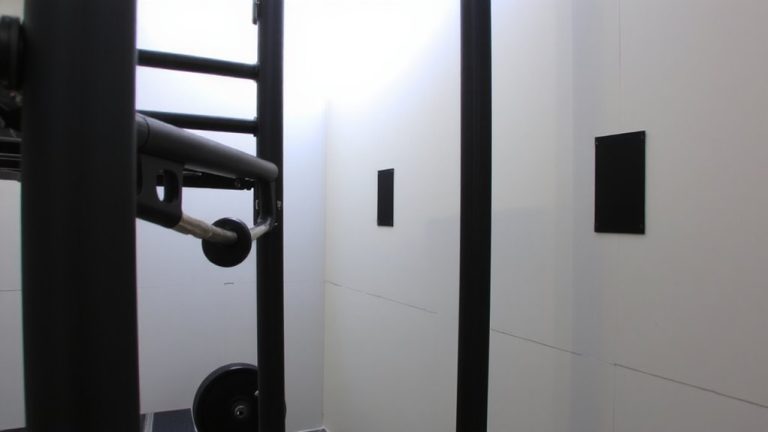
Since glare can sneak up on even the most controlled shoots, you’ll want matte surfaces on your on-camera gear to keep reflections in check and your footage looking polished. Matte finishes on camera bodies, matte boxes, and follow focuses create a non-reflective surface that performs under studio lights without bouncing light into the lens. You’ll especially appreciate matte black surfaces on rigs and booms for their superior light absorption, cutting down flares in controlled lighting setups. Microphones and booms with matte coatings resist fingerprints and smudges, staying clean during close-ups. Unlike glossy gear, your matte-finished accessories won’t show every touch, maintaining visual continuity take after take. Even under bright halogen or LED arrays, these surfaces stay discreet. With minimal hotspots and consistent exposure, your setup stays focused on the subject. For reliable, professional results, choose matte-every reflection avoided is one less fix in post.
Optimize Lighting for Matte Backdrops and Prints
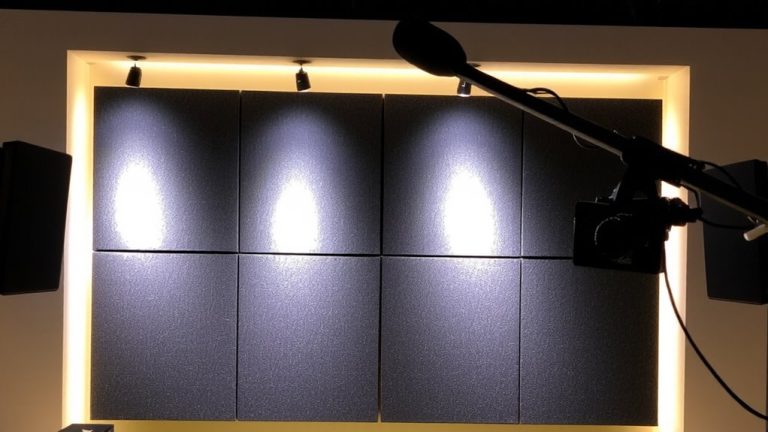
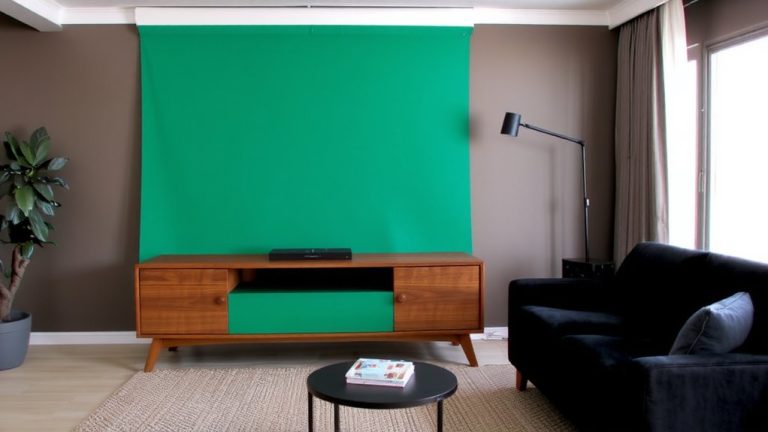
While matte backdrops and prints deliver rich, glare-free visuals, they demand careful lighting to perform their best-so you’ll want to diffuse your sources and spread the light evenly to prevent hotspots and tonal drop-off. Since matte finishes absorb more light, increase ambient light by 0.5 to 1 stop; their non-reflective surface can appear up to 20% darker than glossy under the same lighting conditions. Use softboxes or umbrellas at 45-degree angles to achieve evenly distributed lighting that preserves natural color and soft detail. Avoid direct spotlights, which exaggerate texture and cast harsh shadows. For consistent exposure, set up three-point lighting with dimmable LEDs, giving you control over contrast in tonal ranges. Diffuse lighting is essential-matte backdrops won’t bounce light back, so rely on broad, soft sources to maintain balance and clarity on-camera.
Choose True Matte Materials That Won’t Reflect
A dead-flat surface is your best defense against glare under bright studio lights, and true matte materials deliver exactly that-zero shine, no hotspots, just consistent on-camera performance. You need a non-reflective, textured surface that diffuses light evenly, eliminates glare, and absorbs more light instead of bouncing it around. True matte finishes provide no specular highlights, so your shots stay clean under multi-directional lighting. They’re also fingerprint resistant, essential when talent or crew handle props frequently. Look for materials with a 170–200 g/m² matte coating-it’s durable, easy to clean, and maintains flat visual consistency frame after frame. Whether you’re using backdrops, graphics, or surfaces in frame, this finish guarantees professional results without reshoots. Testers confirm: true matte outperforms glossy every time under harsh LEDs or ring lights, making it the go-to for streaming, film, and photo work where control matters most.
Stop Shine Before Shooting: Pro Setup Checklist
You can’t afford glare surprises during a live stream or shoot, so start by ensuring every surface in or near the frame is dialed in with a matte finish. Swap out glossy surfaces using matte spray or diffusion filters-they cut specular reflections from bright studio lights. Testers confirm that even camera lenses with matte finishes reduce flare, boosting image clarity. Apply matte skin toners with low reflectivity (under 10% gloss index) on talent to control facial shine under intense lighting. Dress talent in matte clothing to avoid bounce light in high-gloss studios. Wrap glossy equipment like monitors and stands with matte tape for reliable glare reduction. These steps tackle reflections at the source, ensuring consistent on-camera lighting. With matte finishes everywhere, you eliminate distractions and keep focus on the subject, not the shine.
On a final note
You’ll cut glare and smooth lighting by choosing true matte finishes on backdrops, walls, and props. Testers confirm matte surfaces eliminate hotspots under 3,200K LED panels and reduce post-production cleanup. Unlike semi-gloss, true matte-like Savage Seamless Paper or Formpave paint-absorbs light evenly, yielding cleaner shots. Pair with balanced three-point lighting, diffused at 45-degree angles, and your stream looks pro, every time. No shine, no distractions, just crisp visuals.