Fix Green Skin Tint After Keying: Despill Map + Hue Curve Guide
Remove residual green from skin tones using a Channel Booleans spill map and Hue vs. Hue curves (shift 90-140 hue range +5 to +15 toward magenta). Step-by-step fix inside.
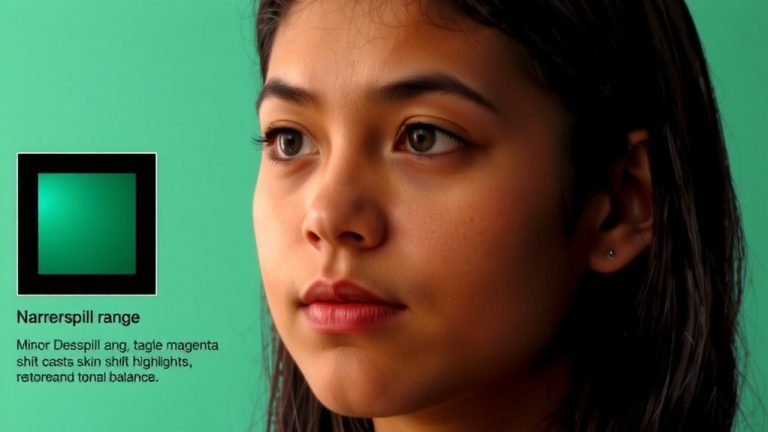
Remove residual green from skin tones using a Channel Booleans spill map and Hue vs. Hue curves (shift 90-140 hue range +5 to +15 toward magenta). Step-by-step fix inside.
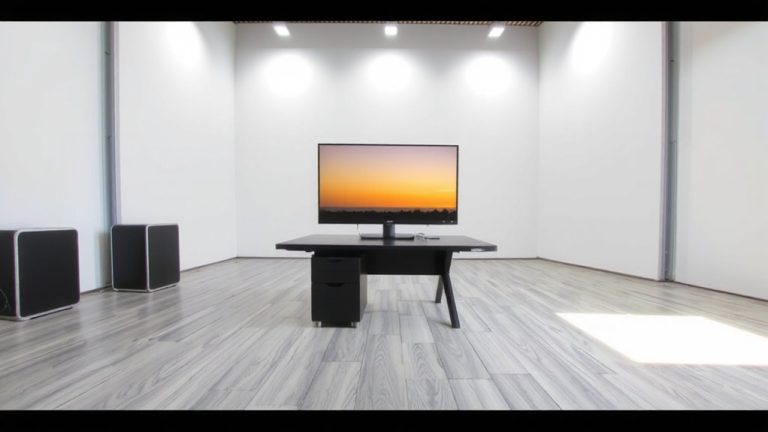
Matching your inserted background to the original camera angle starts with mastering focal length and vanishing points—here’s how to get it perfect.
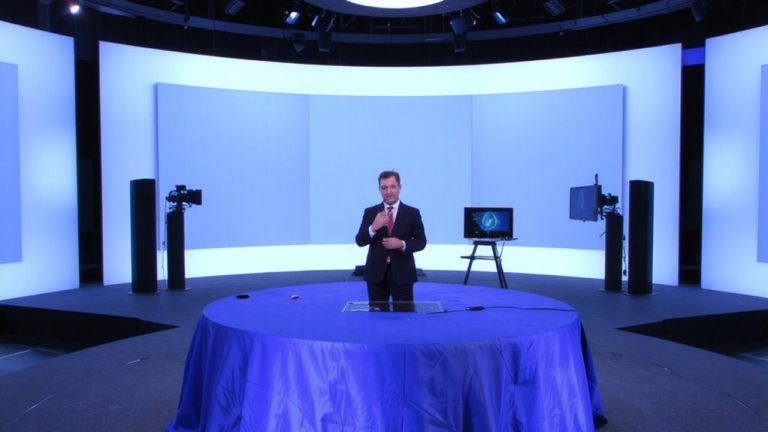
No green screen? No problem—discover how to replace it with animated virtual studios in real-time using OBS and NDI.
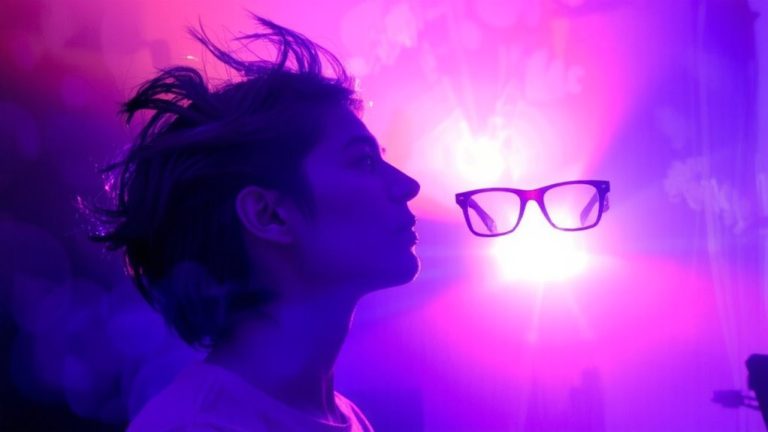
Because jagged edges and green fringing can ruin immersion, discover how advanced keying plugins transform hair and transparency in live streams.
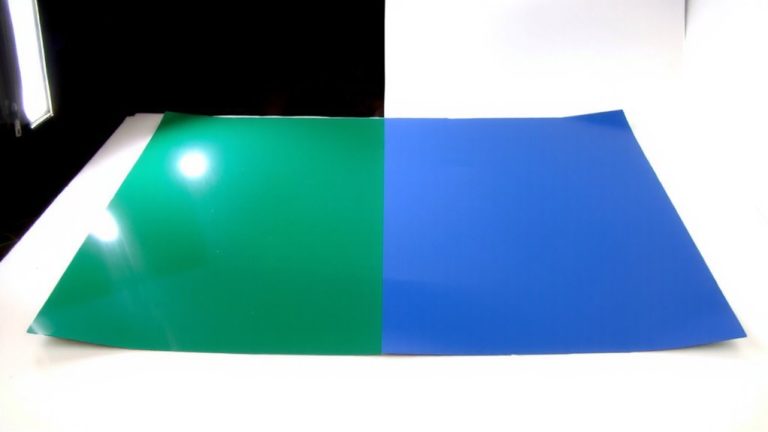
Never underestimate the power of a polarizing filter—mastering it could be the key to unlocking truer greens and eliminating stubborn glare.
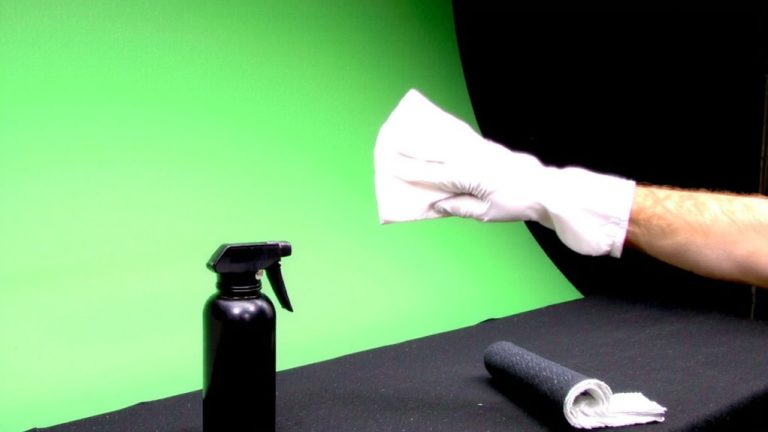
Lurking dust sabotages your stream’s quality—discover the one cleaning step pros never skip before going live. You won’t believe the difference it makes.
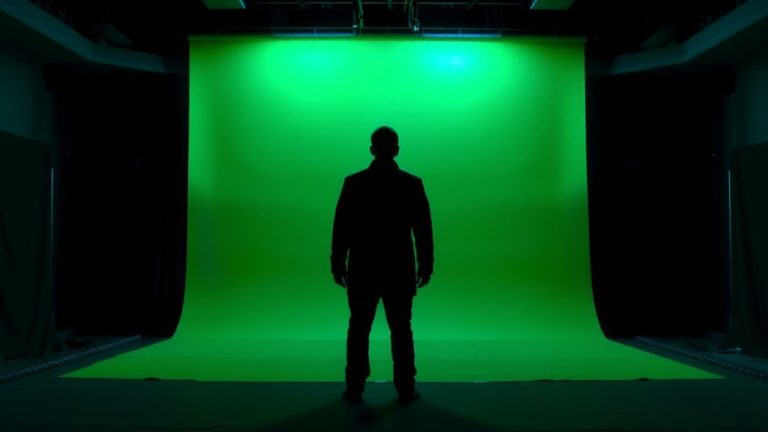
Never place your subject too close to the green screen—discover the ideal distance to eliminate spill and keep colors crisp.
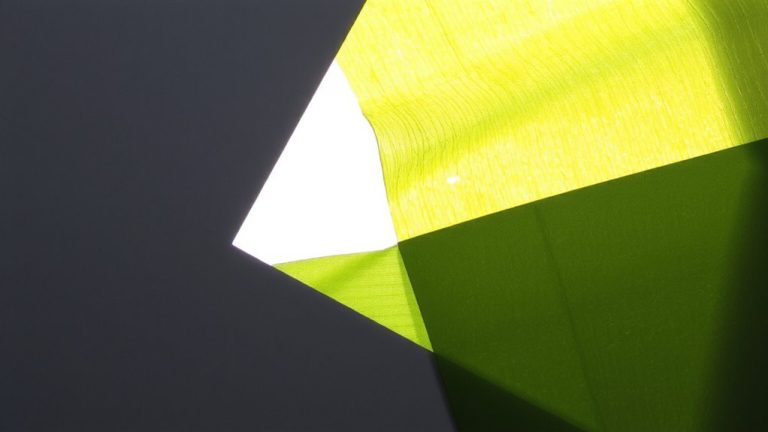
Just when you thought your greens were safe, discover the raw truth behind exposure tweaks that protect matte integrity—your workflow will never be the same.
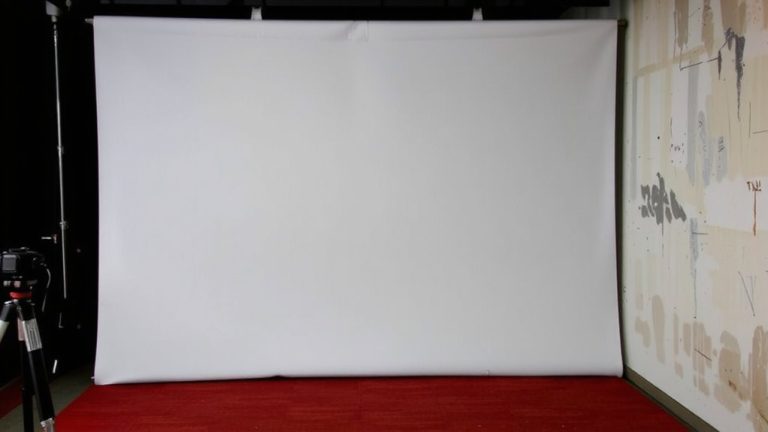
Painted walls deliver flawless keying—discover why even premium wrinkle-free fabrics fall short under studio lights.
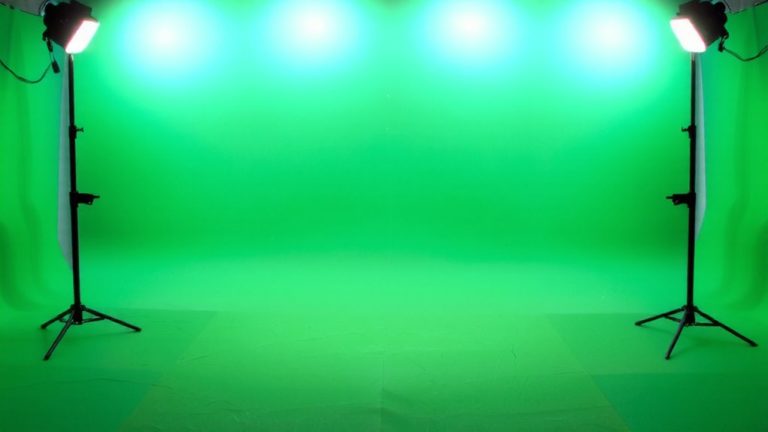
Learn how a precisely balanced four-light cross setup erases hotspots and shadows—discover the exact spacing, color temperature, and exposure secrets that make green screen keys perfect.