OBS/XSplit Port Forwarding via PureVPN: Port 22222 Setup
Step-by-step: assign port 22222 in PureVPN’s dashboard for RTMP streaming, then configure OBS or XSplit for stable 1080p60 with zero dropped frames. See the full setup.
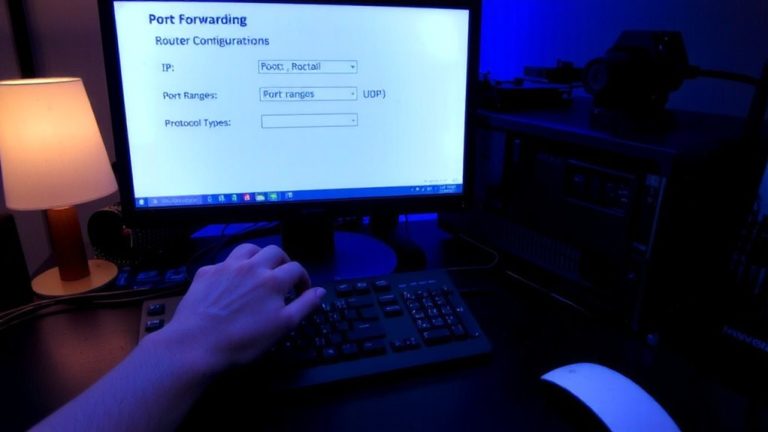
Step-by-step: assign port 22222 in PureVPN’s dashboard for RTMP streaming, then configure OBS or XSplit for stable 1080p60 with zero dropped frames. See the full setup.