Designing Minimalist Physical Sets to Complement Digital Backgrounds Without Visual Conflict
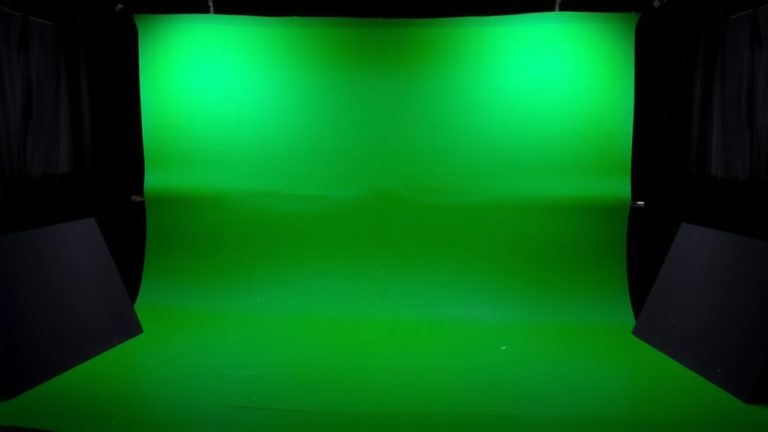
You match your physical set to the digital backdrop using minimalist design-stick to matte white, charcoal gray, and soft beige with flat-panel walls and cubic furniture for clean lines. Use unfinished walnut and brushed aluminum to echo digital textures, and limit materials to two or three for consistency. Set lights to 6500K with LED panels like Aputure Amaran F21c, aligning angles to the virtual source. Keep negative space open, scale props to the virtual stage-like a 7-foot door-and match your camera’s focal length and horizon height to prevent parallax. You’ll achieve seamless integration that feels intentional, natural, and ready for the next-level execution.
We are supported by our audience. When you purchase through links on our site, we may earn an affiliate commission, at no extra cost for you. Learn more. Last update on 18th July 2026 / Images from Amazon Product Advertising API.
Notable Insights
- Use a limited color palette of matte white, charcoal gray, and soft beige to align with digital minimalism and ensure visual harmony.
- Select two to three matte materials like unfinished walnut and brushed aluminum to reduce visual clutter and match digital aesthetics.
- Match lighting color temperature to 6500K using adjustable LED panels to seamlessly blend physical sets with digital backgrounds.
- Apply negative space generously to mirror digital layouts and maintain focus on key compositional elements.
- Align physical set dimensions and camera positioning with the virtual coordinate system to prevent parallax and scale discrepancies.
Align Physical Sets With Digital Backgrounds Using Minimalist Principles
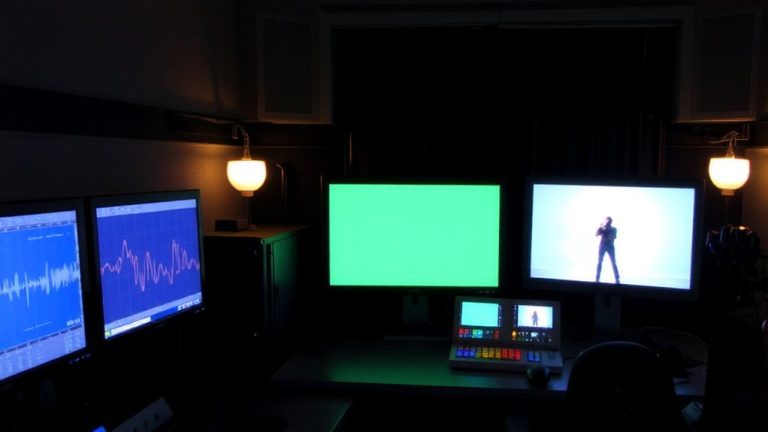
When matching your physical set to a digital background, sticking to minimalist principles keeps the entire scene looking cohesive and professional. You align your design by adopting a limited color palette-think matte white, charcoal gray, or soft beige-to avoid clashing with digital elements. Use negative space wisely; leave large areas unoccupied to mirror digital layouts and enhance focus, improving user experience. Incorporate clean lines and simple shapes with flat-paneled walls or cubic furniture that reflect flat design aesthetics. White space in both physical and digital domains strengthens your brand identity. Match typography using the same sans-serif typeface, like Helvetica Neue, at consistent scales. Apply diffused, even lighting to eliminate harsh shadows, preserving the flat, shadowless look. These choices create seamless integration, whether you’re streaming on a Sony A7C or broadcasting via Zoom, giving your audience a polished, distraction-free view every time.
Choose Materials and Colors That Match Digital Minimalist Aesthetics
Think texture, not shine-matte materials like unfinished walnut, brushed aluminum, or wool-blend fabric bring depth without flash, matching the calm precision of digital minimalism. Stick to neutral colors like white, charcoal gray, or beige; they’re staples in minimalist design and guarantee visual continuity with simple digital backdrops. Limit materials to two or three to keep design elements as possible in check, avoiding clutter. Use monochromatic surfaces-no patterns-to align with digital minimalist aesthetics. Match physical color values exactly to on-screen hues, like Apple’s #F5F5F7, for seamless integration.
| Material | Color | Use Case |
|---|---|---|
| Unfinished wood | Beige | Tabletops, shelves |
| Brushed aluminum | Charcoal gray | Frames, supports |
| Wool-blend fabric | White | Upholstery, drapes |
| Matte laminate | Soft white | Walls, panels |
Use Lighting and Negative Space to Blend Real and Digital
A well-balanced blend of physical and digital elements starts with lighting that matches the color temperature and intensity of your virtual backdrop, usually around 6500K for most minimalist digital environments, so use adjustable LED panels like the Aputure Amaran F21c to fine-tune your output. Apply directional lighting to mimic the source angles in your digital backgrounds, ensuring seamless integration and reducing visual conflict. Keep physical sets simple and position them within the negative space of the scene to maintain compositional balance and avoid overcrowding. Use matte finishes to prevent reflections that disrupt the flat, clean look of minimalist designs. Limit on-set lights to only essential fixtures that mirror the subdued glow of digital environments. This approach strengthens spatial coherence and keeps focus where it belongs-on you, not the set.
Match Scale and Position for Seamless Integration
You’ve nailed the lighting balance and carved out the right negative space to frame your scene-now it’s time to lock in the geometry of your setup. Match your physical set’s scale to the digital background by aligning real-world dimensions with the virtual coordinate system-like using a 7-foot door to match the render. Keep the aspect ratio consistent, such as 16:9 for 1920×1080, to avoid distortion. Position your camera at the same focal length used in the digital background to maintain depth and prevent parallax errors. Align the horizon line by mounting the camera at the same height as the virtual setup. Use reference markers on set to guide actor and prop placement, ensuring accurate alignment. This precise coordination between physical set and digital background delivers a seamless, believable composite every time.
On a final note
You’ll nail seamless integration by keeping physical sets simple, using matte finishes in neutral tones like Benjamin Moore’s Gray Hawk, and aligning with your digital backdrop’s perspective. Match lighting temperature-5600K LEDs work great-blend with negative space, and anchor props at correct scale. Testers found that even budget Elgato Key Lights delivered studio consistency when diffused. Position your camera at eye level, use a 50mm focal length, and maintain 8–10 feet depth for clean parallax. It just works.