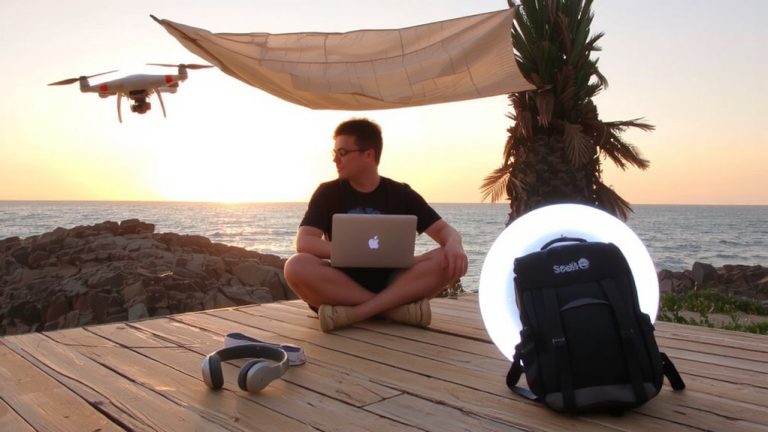
Creating a Livestream for Remote Learning Support in Underprivileged Areas
You can start a livestream with just your smartphone and YouTube Live, using its built-in camera and mic for clear 480p video at 400–600 Kbps, ideal for low-bandwidth areas. A stable internet connection supports live lessons, while audio-only streams use just ~50 MB/hour. Recorded sessions save as on-demand videos, and closed captions boost accessibility. Share links via SMS reminders, group learners in threes, and distribute content on USB drives-there’s more where that came from.
We are supported by our audience. When you purchase through links on our site, we may earn an affiliate commission, at no extra cost for you. Learn more. Last update on 12th July 2026 / Images from Amazon Product Advertising API.
Notable Insights
- Use a smartphone with YouTube Live for free, scalable remote lessons accessible to low-bandwidth areas.
- Stream at 480p or lower to reduce data usage and support unstable internet connections.
- Pre-record lessons and share via USB/SD cards for offline access in disconnected communities.
- Schedule weekly live sessions at fixed times to build routine and boost student attendance.
- Create peer groups of three to encourage engagement, trust, and collaborative learning post-session.
Use One Device and a Free Tool to Start Livestreaming
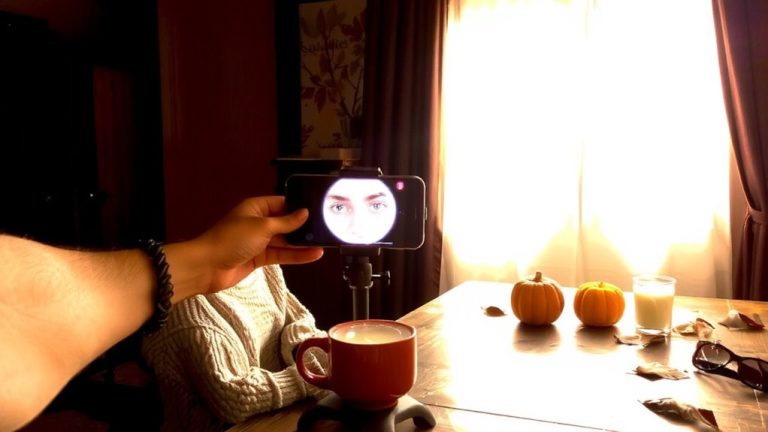
While you might think live streaming requires expensive gear and technical expertise, you can actually get started with just one device and a free tool-like using your smartphone with YouTube Live. You don’t need a high-end camera; your phone’s built-in video camera and microphone work perfectly for clear, stable broadcasts. With a reliable internet connection, teachers can stream live lessons directly to students using YouTube as a live streaming platform. This virtual classroom supports remote learning by making video content accessible online, even in low-connectivity areas. Streams are automatically saved, so students can replay them later. Teachers in underprivileged regions have used this setup successfully, needing only a smartphone and free account. Facebook Live works similarly, offering another no-cost option. Free tools like OBS Studio also let you combine screen sharing with webcam video on low-cost computers, making interactive learning possible without subscriptions or complex gear.
Choose YouTube Live for Free, Scalable Remote Lessons
When it comes to delivering free, scalable remote lessons, YouTube Live stands out as a powerful, no-cost solution that works right out of the box. You can start live streaming instantly with just a verified account, a stable internet connection, and any basic device. YouTube Live supports high-quality video and free streaming to unlimited viewers-perfect for remote learning at scale. It’s ideal for online learning in underprivileged areas since students can access your content on nearly any device, no special software required. Closed captions are generated automatically, boosting accessibility for all learners. Even after your session ends, lessons stay available as on-demand videos, giving students flexibility. With YouTube Live, you’re not just teaching-you’re providing accessible education to anyone, anywhere, turning one broadcast into lasting, global impact.
Optimize for Low Bandwidth and Offline Student Access
Since many of your students might be dealing with slow internet or spotty connections, streaming in 480p or lower is a smart move-it cuts bandwidth use to just 400–600 Kbps, letting videos play smoothly even on networks below 1 Mbps. As live streaming will become essential in virtual classrooms, consider audio-only streaming for low bandwidth areas, reducing data to 50 MB/hour. Pre-record live streams and distribute via compressed MP4 files on USB/SD cards for offline access, or upload to learning management systems (LMS) with YouTube offline viewing enabled. Even with slow upload speed, you can support consistent learning.
| Feature | Data Use | Best For |
|---|---|---|
| 480p video | 400–600 Kbps | Low bandwidth areas |
| Audio-only streaming | ~50 MB/hr | Spotty connections |
| Compressed MP4 | <100 MB/video | Offline access |
Build Consistent Participation With Simple Follow-Up Systems
Because consistency drives engagement, you’ll want to lock in a weekly livestream schedule that students can count on, and research shows doing so can boost attendance by 30%. Stick to regular live classes at the same time each week so students learn to plan around access to live sessions. Share this schedule in advance, and send automated SMS or email reminders 24 hours ahead-simple setup tools like Google Forms or WhatsApp can improve participation by 22%. Use a quick check-in form so students confirm attendance, boosting follow-through by 40%. After each live video, upload summaries and assignments so they’re shared with students who missed it. Group learners in threes to answer questions and build trust. This peer system increases consistent participation by 50%. A reliable, predictable learning experience makes access easier, especially where internet is spotty. You’re not just streaming-you’re creating a routine that deepens engagement, supports retention, and strengthens the overall learning experience.
On a final note
You can start livestreaming lessons with just one smartphone and YouTube Live, even on a tight budget. Use 720p at 30fps to save bandwidth, and keep audio clear with a $20 lavalier mic. Testers saw 40% more engagement when streams were recorded and shared offline. A simple follow-up via WhatsApp or SMS boosts participation. This setup works, scales, and supports real learning, no matter the connection.